 Little Arcana
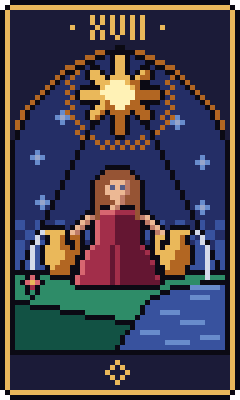
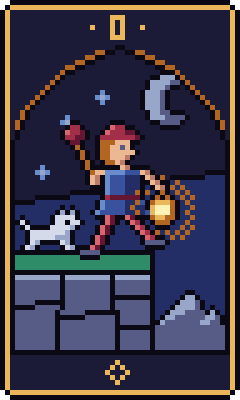
One card a day.
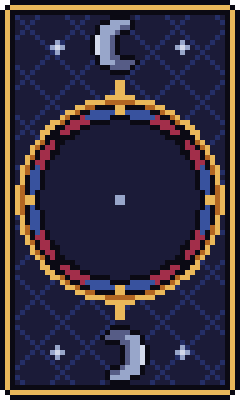
Hold the circle and breathe, and a card from a 78-card deck turns over. Read it, take one thing to look for into your day, and write down what you noticed.
Get Little ArcanaFree on the App Store. No account. No ads.
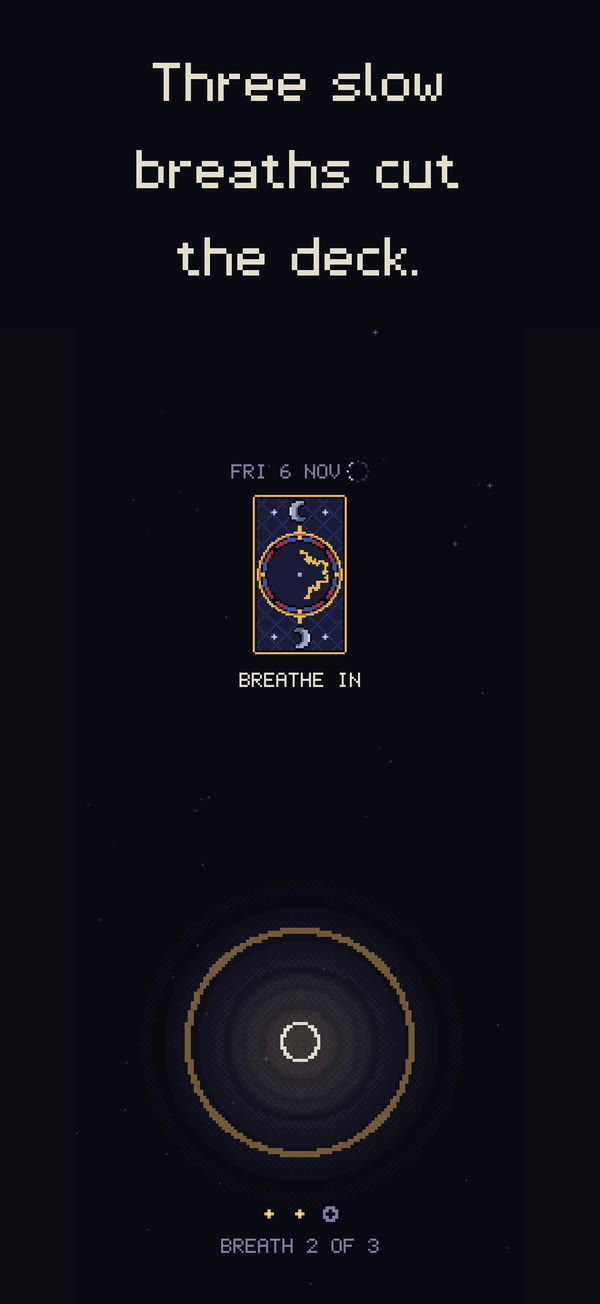
Three slow breaths
Rest your thumb in the circle. It settles, then guides three slow breaths, and the small movements of your thumb cut the deck.
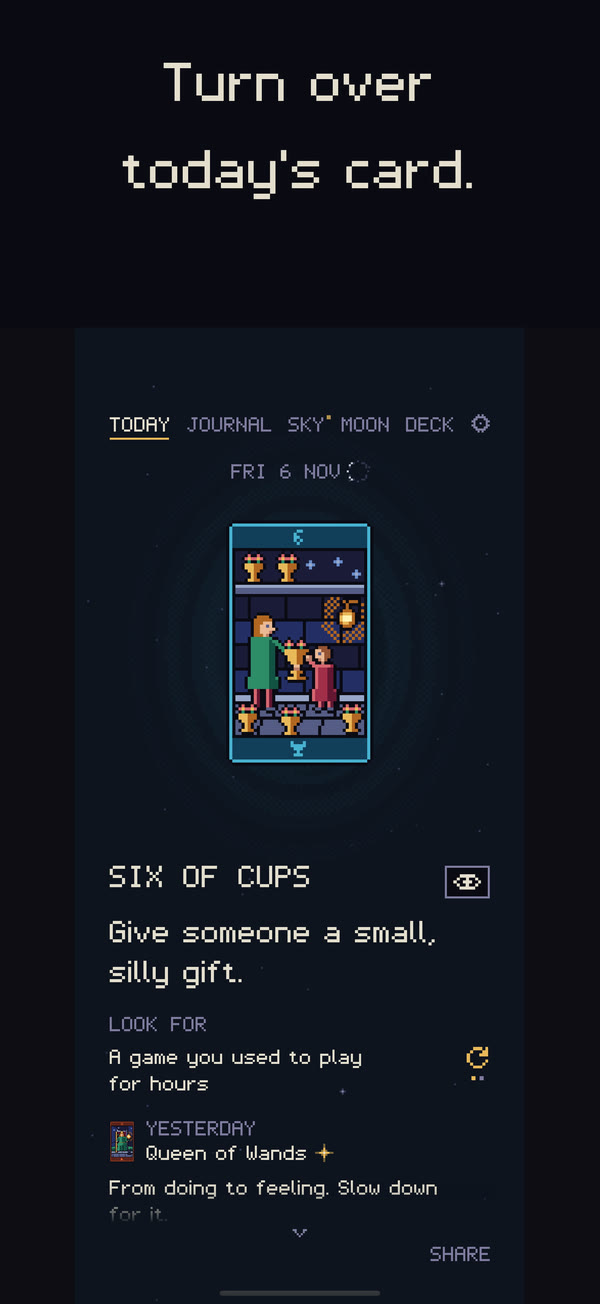
Something to look for
Each of the 78 cards gives you a line for the day, a short reading, a question to carry, and one small, specific thing to look for: a stranger holding the elevator, a single streetlight flicking on.
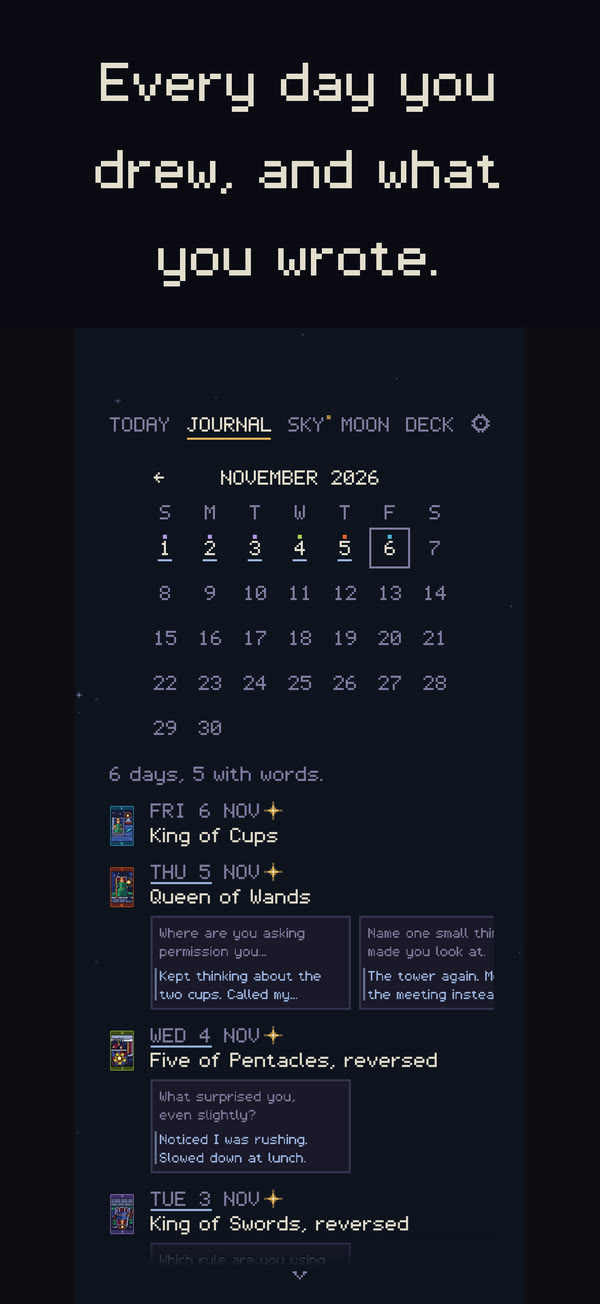
A journal beside every card
Answer the card's question, write about the day, and look back through every month you've drawn. Every card remembers the days it came up and what you wrote.
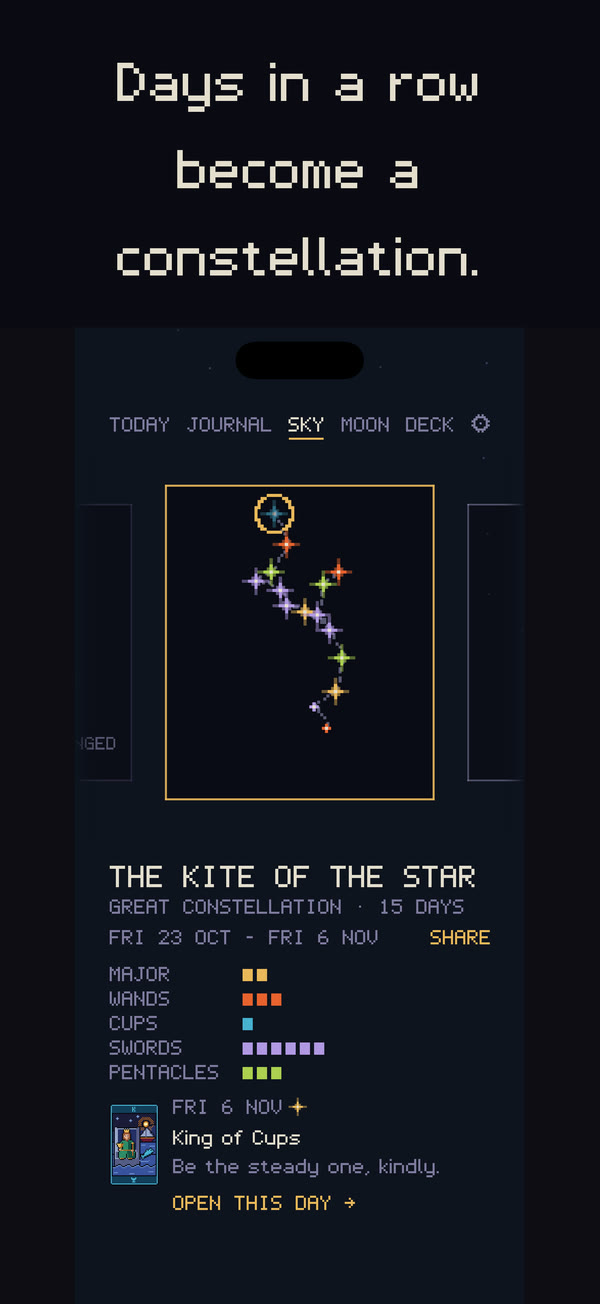
Your days become a sky
Each evening, your answer sets how brightly that day's star burns. Days in a row join into constellations you name and keep. At the new moon, plant one question for the month; at the full moon, draw three cards against it.
Support
Questions, problems or ideas: write to hello@littlearcana.app.
Where are my days kept?
On your iPhone, and in its backups. If you turn on iCloud for Little Arcana, a copy also lives in your own iCloud account, so your other devices see the same days. There is no Little Arcana account, and your days are never sent to us.
I have a new phone. How do I keep my days?
Restoring the new phone from a backup brings them across. With iCloud on, they arrive by themselves. You can also export everything from Settings as a file and import it on the other phone.
Can I get my writing out?
Yes. Settings can export your whole journal as plain text, and every day as a file you can import again.
Reminders
Morning, evening and moon reminders are off until you turn them on in Settings.